Drawing Spirals in Unity
Definition
According to Wikipedia a spiral is a curve which emanates from a point, moving further away as it revolves around the point. Wikipedia
Model
There is a whole universe of spirals and definitions. For this tutorial we will implement the Archimedean spiral. following the parametric equations for U (X) and V (Y):
X = Cosine * Wt
Y = Sine * WT
Code
The code is very simple and it could be even more simple if you implement the static method DrawPoint(point, width, color) from LagaUnity. In the following example a Vec object is initiated first outside the loop and then is created inside the loop pt = new Vec(x, y, z); with the right parameters.
using UnityeEngine;
using LagaUnity;

public class drawlines : MonoBehaviour
{
    // Start is called before the first frame update
    void Start()
    {
        int count = 100;
        float step = 0.025f;
        float radius = 10;

        Vec pt; //this is the Laga Vector
        // List<Vec> lstPt = new List<Vec>(); //for the second image
        for (float i = 0; i < count; i += step)
        {

            float x = i * Mathf.Cos(radius * i);
            float y = i * Mathf.Sin(radius * i);
            float z = -1;

            pt = new Vec(x, y, z);
            pt.Draw(2, Color.grey);
            // lstPt.Add(pt); // for the second image
        }

        // for (int k = 0; k < lstPt.Count - 1; k++) //for the second image
            // Line.DrawLine(lstPt[k], lstPt[k + 1], 0.5f, Color.gray);

    }
}
Results
 Parameters:
 int count = 100; float step = 0.025f; float radius = 10;
 Parameters:
 int count = 100; float step = 0.50f; float radius = 10;
You might also want to implement the following code to render a continous spiral:
List<Vec> lstPt = new List<Vec>(); //Set a list of vectors
lstPt.Add(pt); // add the vector to the list

 for (int k = 0; k < lstPt.Count - 1; k++) //Draw a line between vectors
    Lne.DrawLine(lstPt[k], lstPt[k + 1], 0.5f, Color.gray);
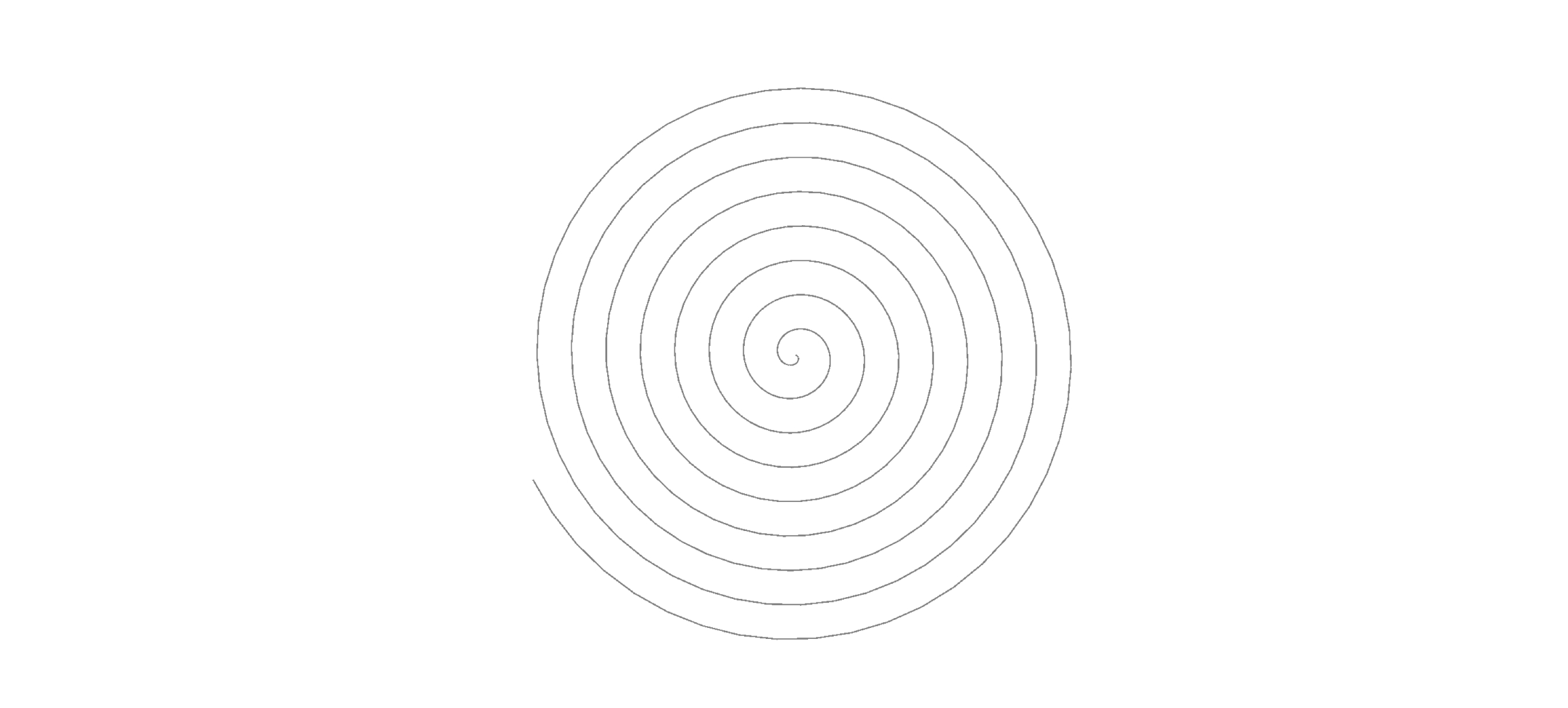 Parameters:
 int count = 100; float step = 0.50f; float radius = 10;